Requirements
Before you post your first clip, review these requirements. Videos that don't meet every requirement won't be approved for payout.
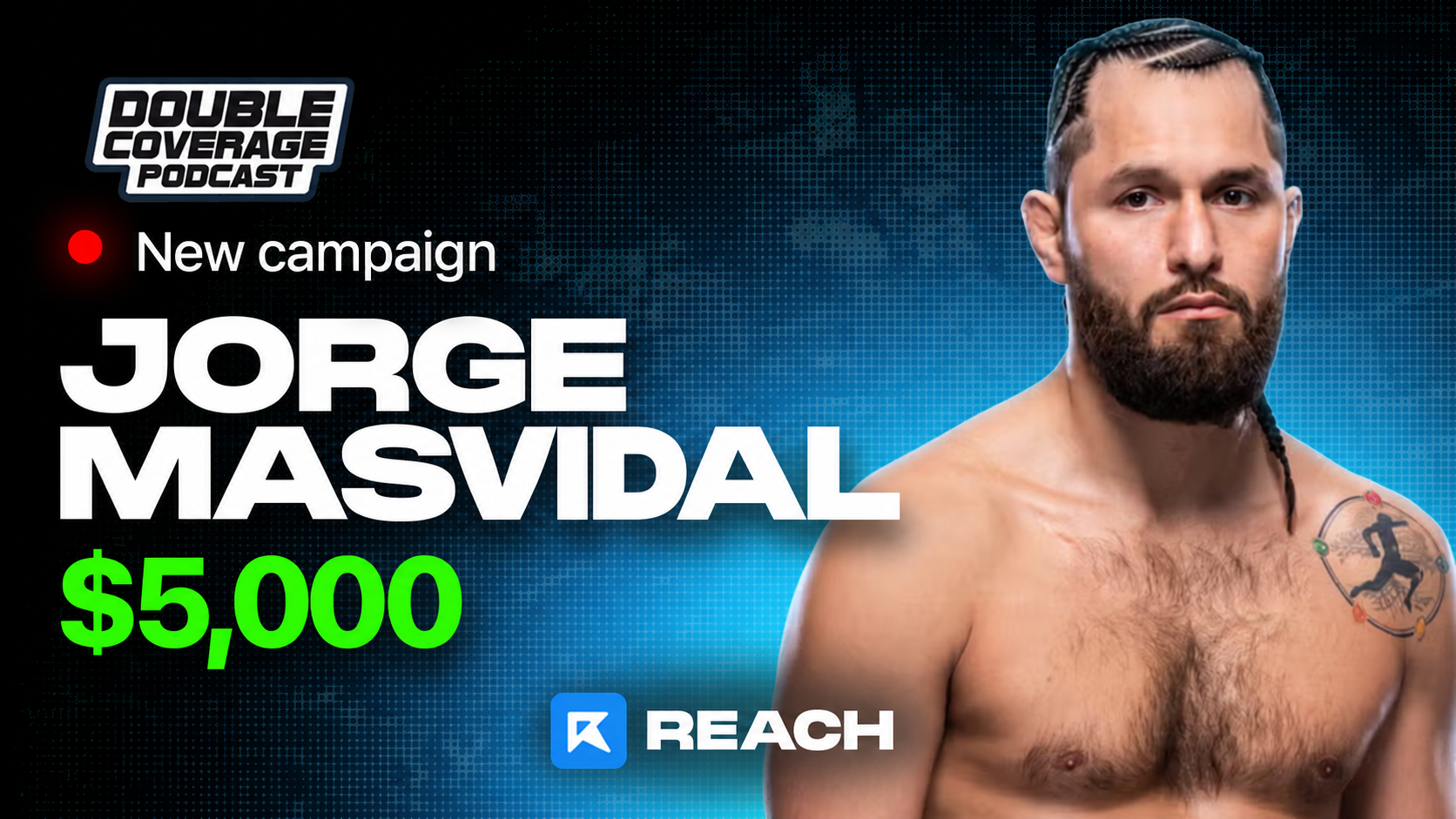
- Content MUST be from the Double Coverage x Jorge Masvidal Podcast
- Submitted videos must feature Double Coverage as the main focus
- Videos can only be posted on TikTok, Instagram Reels, YouTube Shorts, and X.
- Audience must be at least 50% native English-speaking countries (USA, CA, AU, UK, NZ).
- Your captions must use the hashtag: #DoubleCoverage
- Payouts start once your video hits the Minimum View Requirement (10,000 views) and is approved.
- Videos MUST HAVE the Double Coverage Watermark
- Videos MUST have Zach the host in the video
- Videos cannot portray Double Coverage or the guests in a negative light.
- Views and engagement cannot be manipulated in any way. (Botting, Reposts, Collab Posts, ETC.)
- Logos of any kind are not allowed.
What to look for:
- Funny moments from Double Coverage's social media accounts
- Memorable quotes from Double Coverage's social media accounts
- Other reactions or memorable moments from Double Coverage's social media accounts
Get paid
All payouts run through Whop's Content Rewards. Here's the flow from posting to cash-out.
Open The Content Rewards App
You'll find it inside the Whop Community. This is where you submit your clip links and track approval status.
Verify Your Whop Account
Before you can be paid, you need to verify your account by connecting your socials. Go to Whop → Settings → Connected Accounts.
Submit Your Video Links
Once verified, head back to Content Rewards and paste the link to every Double Coverage clip you've posted. Submit within 30 minutes of posting.
Hit MVR And Get Approved
Once your video crosses the Minimum View Requirement and an approver signs off, your payout queues up automatically.
Questions? Open a support ticket in the Reach Discord. For Whop-specific issues such as payouts or account verification, contact Whop support.
Account creation
If you don't already have a relevant clipping page with 100+ followers, we strongly recommend setting up a dedicated Double Coverage clipping account.
If you have a pre-existing account in a relevant niche, you can skip account creation.
Create Fresh Accounts
Make new accounts on TikTok, Instagram, YouTube, and X.
Pick a Campaign-Related Username
Use a name related to Double Coverage. Examples: DoubleCoverageClips, DoubleCoverageDaily, DoubleCoverageMoments, or DoubleCoverageReels.
Set a Profile Picture
Use the campaign thumbnail or official Double Coverage artwork.
Targeting USA
To help meet the audience requirement:
- Use English-language captions and on-screen text.
- Avoid country-specific slang from outside the target regions.
- Tag US locations only when relevant to the content.
- If you have access to audience insights, check whether your historical audience is primarily from the USA, UK, CA, AU, or NZ.
Final rules
- Meet every quality standard listed in the Requirements article.
- Submit Double Coverage clips within 30 minutes of posting.
- Read every section of this page before posting your first clip.
One strike and you're out. Botting views, AI-generated content, or any attempt to game the system removes you from every Reach campaign permanently.